Content Before Design: Writing Advice for Designers
Introduction
UI design involves not just graphical interfaces but also planning the copy. Designers should be able to understand the content and serve its needs.
Text makes up the vast majority of content in a UI. It appears in every corner of a design and is one of its most powerful elements, conveying profound meaning in remarkably few words. This article explores how design and content can complement each other and discusses the problems that can arise when designers work without content.
Should Design Serve Content?
Do you agree that design should serve content?
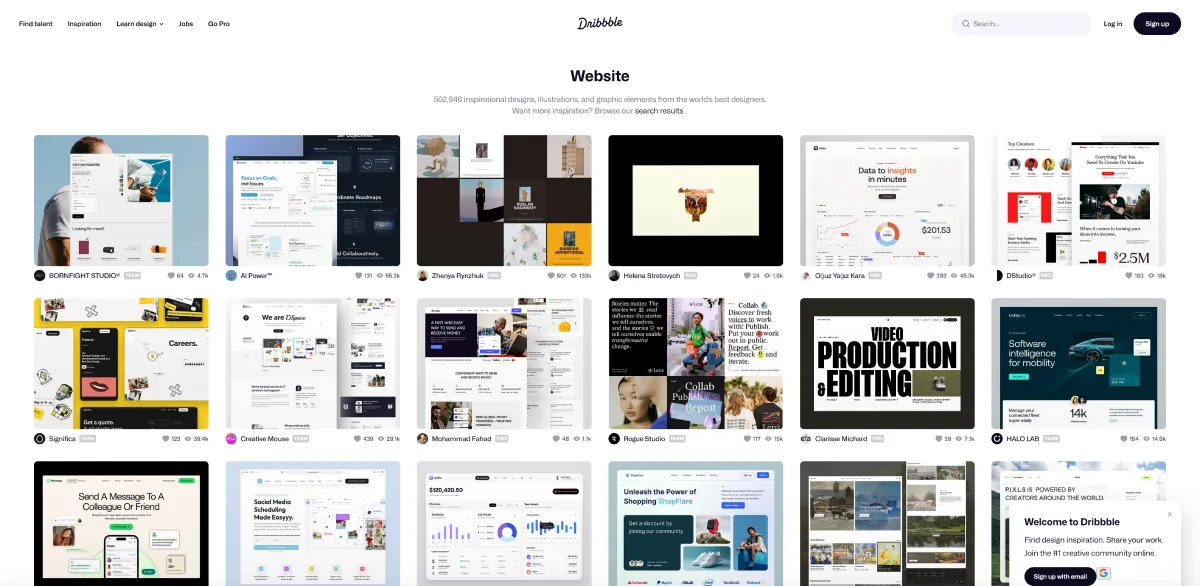
It depends on the context.
The key is the role design plays in the product. If design itself is the goal, content can even serve design. But what makes the web special is that all kinds of users and communities should be able to access it: “The web was conceived to be open and accessible.”
The responsibility of web UI designers therefore extends beyond designing interfaces to understanding content and serving its needs. Today, more than ever, designers are expected to account for both and adopt a process in which “design and content develop together.”
Ultimately, there is no single, absolute answer to whom design should serve. It depends on the product category and target audience: “Design does not always have to serve content, but it must always consider the user.”
Tip 1: Make Copy and Design Work Together
Copy directly or indirectly influences how a design is presented. In my experience, differences in how languages express ideas—text length, reading habits, and cultural context—often call for different design approaches. Examples include the considerable differences in length and reading direction between Chinese and English, and the practicalities of using Chinese fonts on the web…
Looking at template-based websites and various style libraries, you may notice that simply “reskinning” them feels somehow off, or leaves them looking too similar. This is also because the presentation of text and content lacks character: the content and appearance are disconnected. I recommend studying and drawing on the cross-regional design guidelines of large design teams to give your product a distinctive, consistent voice through words:
- Voice and tone - Adobe Spectrum
- Writing - Google Material Design
- Writing - Apple Human Interface Guidelines
You can also look for design examples from similar cultural backgrounds to better understand the relationship between copy and design. For example, I enjoy finding inspiration on Japanese websites, which share a cultural tradition of using Chinese characters:
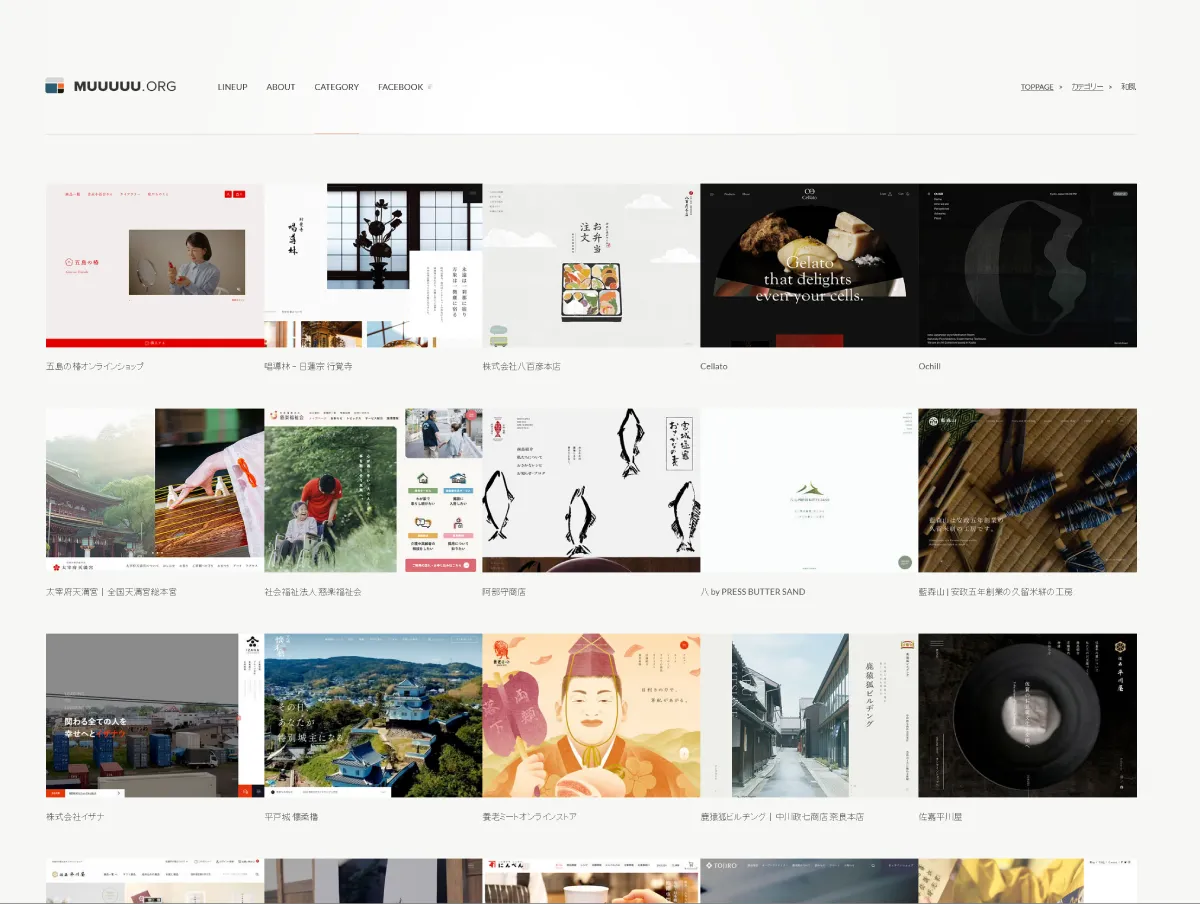
Keep paying attention to the relationship between copy and design, and look for the most suitable way to present them together. I also particularly enjoy browsing different kinds of personal websites. These sites tend to have stronger personalities and offer a clear view of how designers integrate copy into the overall design. Visit the Webdong Toolbox to explore some websites I find interesting.
Tip 2: Watch Out for Placeholder Content and Overlooked Copy
When designing without content, we usually fill the gaps with placeholder text from tools such as the Lorem text generator. We treat text as a decorative detail in a design, but it is actually an essential part of the product. Users interact with content, not just the design on the surface.
A UI can broadly be broken down into three basic types of copy:
-
Interface copy: Often called UI text or microcopy, this is text deeply integrated into the interface, such as form field labels, button text, website navigation labels, and error messages. It usually consists of individual words or short phrases. Removing this text would cause the interface to “break” or become extremely difficult to use.
-
Product copy: Text closely related to the functionality of a website, product, application, or experience, but not necessarily a direct part of the interface—for example, the body of an onboarding email or the description of an application update in a changelog. This content focuses on helping or supporting the reader.
-
Marketing copy: Long-form writing primarily intended to sell or promote. This content focuses on persuading the reader.
“Writing in design” is not limited to marketing copy. It can also include tiny pieces of interface text, as well as, but not limited to:
- Page titles and metadata
- Error messages, warnings, suggestions, and help messages
- Onboarding guidance
- Thumbnails and icons
- …and more
Together, these forms of user-focused writing make up user experience writing (UX writing), a distinct and fascinating field that deserves designers’ attention.
Conclusion
Recognizing that a problem exists is half the battle. The other half requires ongoing awareness and putting that awareness into daily practice. I believe that cultivating genuine concern for users is a core element of good design.
I am still learning from different disciplines and perspectives, too. You can also try describing the relationship between user experience and design, and how the two can work together, as a way to clarify your concepts and ideas.
Further Reading
- Writing for Designers - A LIST APART
- Designing The Words: Why Copy Is A Design Issue - SMASHING MAGAZINE
- Does anyone else find Behance and Dribbble absolutely useless? - Reddit
- Q&A with the Apple UX writing team - Apple Developer